The modern way to send Google Slides
Paste a link, share it, and see exactly who viewed your presentation and which slides they care about.
 Paste a link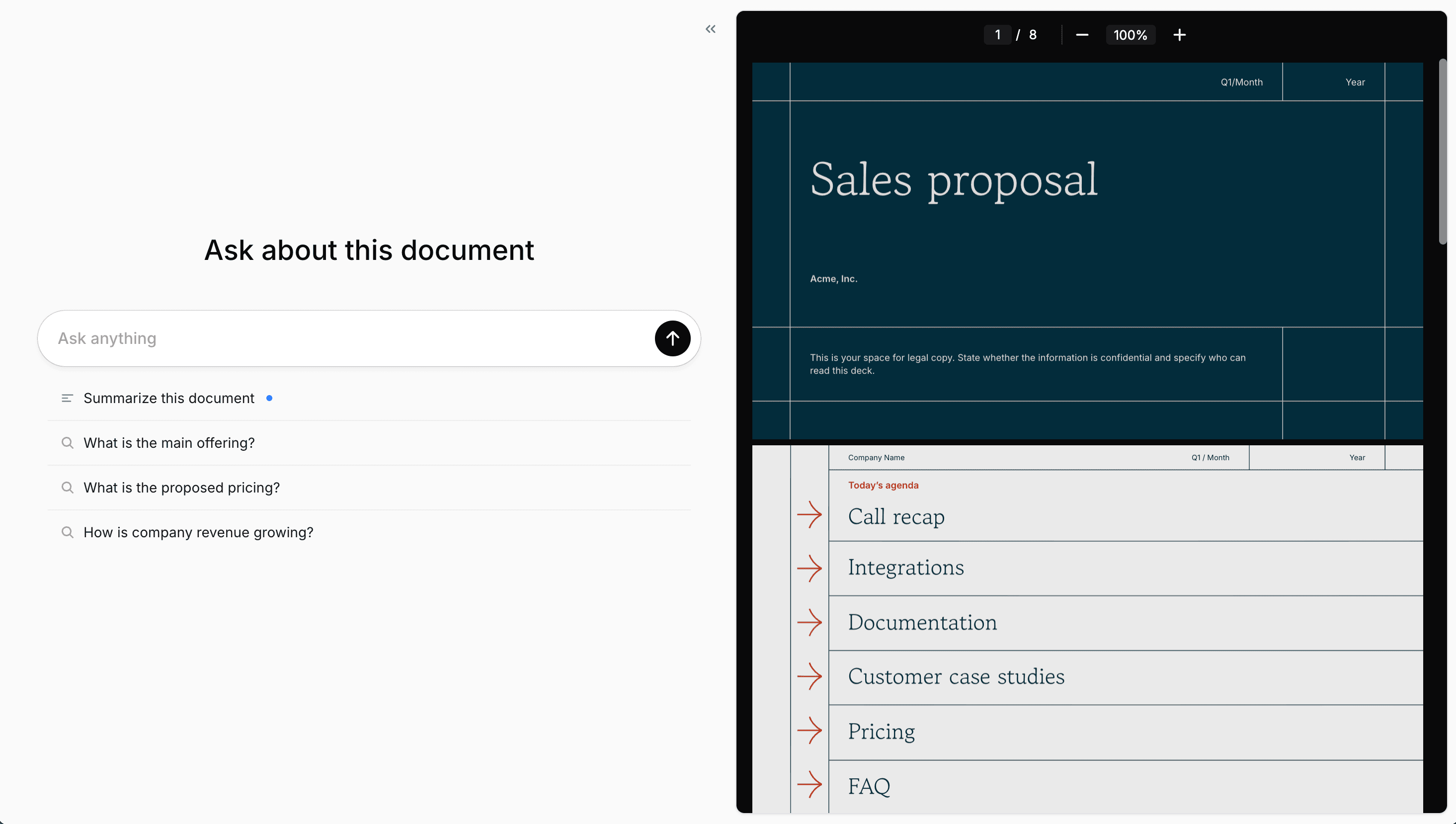
Paste your Google Slides link
Copy the share link from Google Slides and paste it into Send.
Share a tracked link
Send one link to prospects, investors, or your team.
See who's watching
Get notified on every view and see which slides got the most attention.
Know when someone opens your deck
Get notified the moment someone views your presentation. See their name, email, location, and how long they spent so you know exactly who to follow up with.
Send viewer data to your tools
Webhooks push every viewer's contact info to your CRM, email tool, or automation platform the moment they open your deck. No manual exports needed.
 HubSpot
 Slack
Slack Zapier
AI answers questions about your deck
Every presentation includes an AI assistant that answers questions about your content. Viewers get instant answers about pricing, timelines, or anything else in your slides.
We use it for our fundraising and it's been a gamechanger for identifying which VCs to follow up with.

Require email to view
Gate your deck so viewers enter their name and email before watching.
Always up to date
Edit your Google Slides anytime. Viewers always see the latest version automatically.
Host on your domain
Share presentations from your own domain for a polished experience.
Start tracking your Google Slides
Know who's viewing your deck and which slides matter most.
Paste a link