Account research brief template
Turn account research into a prep page your team can use before outreach or a call.

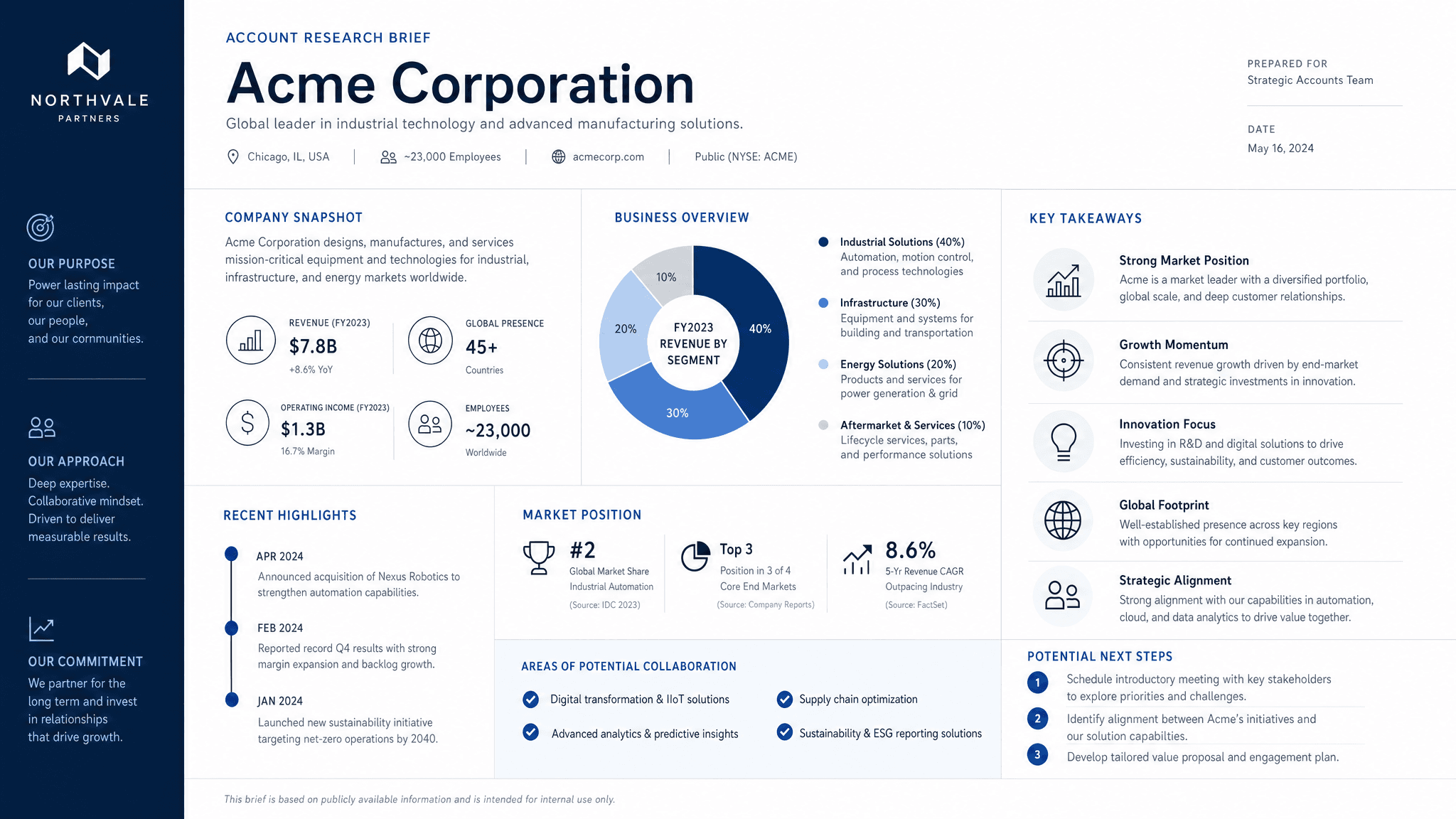
Account research is easy to overdo and easy to lose. A rep reads five tabs, grabs a few notes, sends one email, and the useful context disappears. An account research brief keeps the research, hypotheses, and outreach angle in one place.
Claude can turn public research, CRM notes, call history, and your ICP into a usable brief. Send makes that brief shareable with the account team, SDR, AE, founder, or anyone joining the next call.
What to include in the account research brief
- Company snapshot: product, customer, business model, size, and market.
- Recent signals such as hiring, launches, funding, partnerships, or leadership changes.
- Likely priorities and pain hypotheses to verify.
- Relevant stakeholders and what each person may care about.
- Why your product or service may be relevant now.
- Proof, case studies, or examples to use in outreach.
- Open questions and the recommended first message angle.
Prompt to use in Claude
Search the registry for the Send connector. Once connected, use their "send/account-research-brief" skill.
How to create it with Send
Give Claude the account name, CRM notes, source links, your ICP, competitive context, and any prior conversations. Ask it to create an account research brief using Send. Tell Claude to separate facts from hypotheses so the team knows what still needs to be verified.
Send gives the account team one page to review before outreach or a meeting. If a new signal appears, Claude can update the same page instead of creating another research doc.
Account research brief structure
Company snapshot
What the company does, who it serves, and why it matters for the sale.
Signals and hypotheses
Recent events, likely priorities, pain hypotheses, and what to verify.
Stakeholders and angle
Who to reach, what they may care about, and the first outreach angle.
Proof and next step
Relevant examples, source links, open questions, and owner.
Why send research as a page
Research is more useful when the team can reuse it. A Send page keeps the account context, sources, and outreach angle together, and it can stay current as new information comes in.