Sales proposal template
Turn deal notes, pricing, and buyer context into a proposal page you can send from Claude.

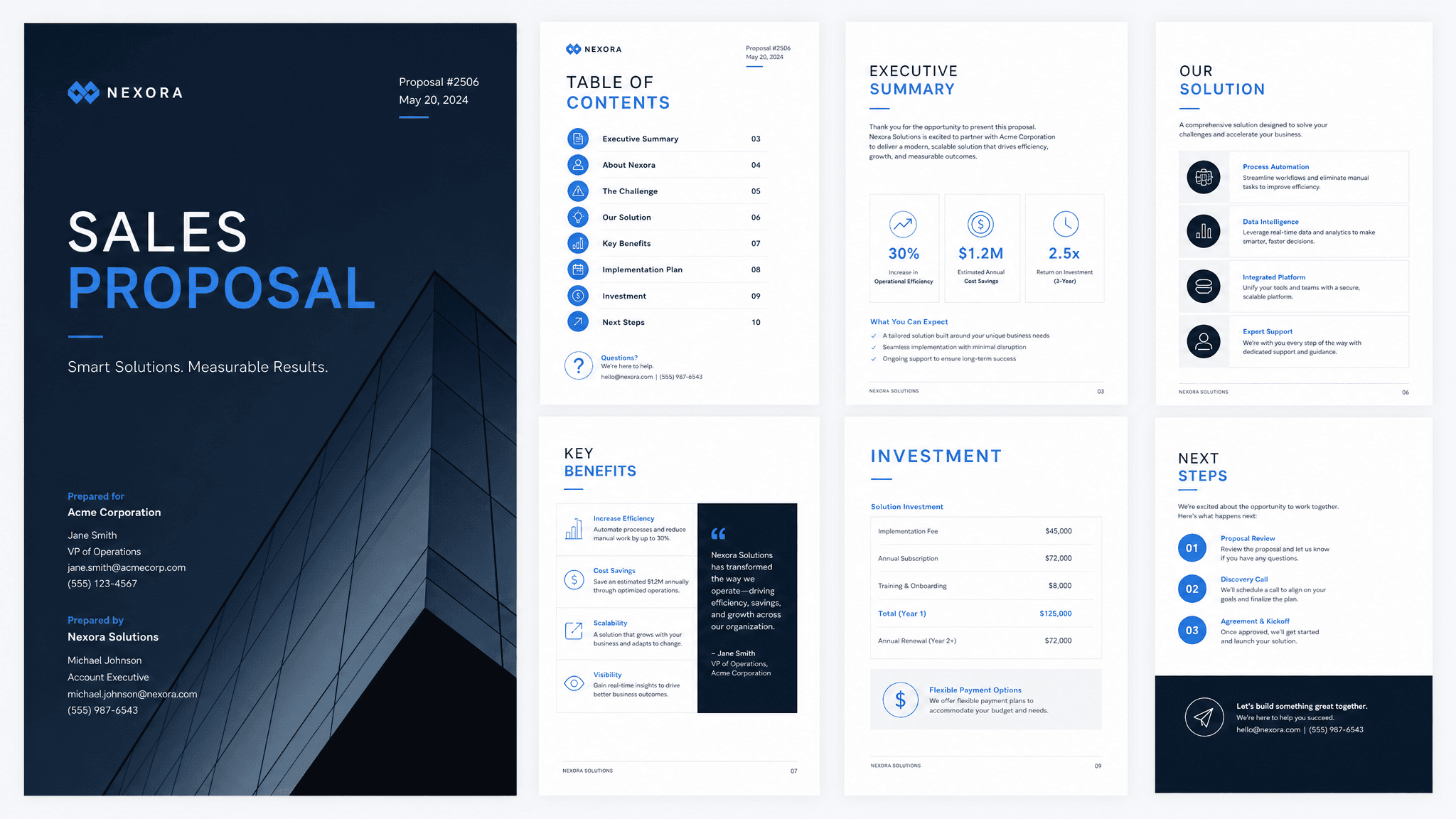
Most sales proposal templates assume the hard part is formatting. It usually isn't. The hard part is turning the actual deal context into a clear recommendation. Claude can do that from your notes, CRM data, pricing sheet, or rough outline. Send turns the result into a live page you can track and update.
Use this when a prospect has moved past the first conversation and needs a clear version of the offer: what you heard, what you recommend, what it costs, and what happens next.
What to include in the proposal
- Buyer context: who they are, what changed, and why this matters.
- The problem or goal in the buyer's own language.
- Your recommended plan, written plainly enough to forward.
- Scope, deliverables, timeline, and owner for each major step.
- Pricing, terms, and any assumptions behind the quote.
- Relevant proof, such as a case study, metric, or customer example.
- The decision path and the next action you want them to take.
Prompt to use in Claude
Search the registry for the Send connector. Once connected, use their "send/sales-proposal" skill.
How to create it with Send
Start with the context you already have: discovery notes, an email thread, HubSpot data, a pricing sheet, or a messy outline. Ask Claude to create the sales proposal as a Send page. Claude writes and shapes the page. Send gives you a hosted link you can send to the buyer.
That matters after you send it. You can see when the proposal gets opened, revise the same link after a follow-up call, and keep the page current as pricing or scope changes.
Proposal outline
Executive summary
The buyer's situation, your recommendation, and the decision you are asking for.
Goals and pain points
What the buyer said they need, written in language they would recognize.
Plan, scope, and timeline
What you will do, what is included, and when each step happens.
Pricing and next steps
The investment, assumptions, proof, and the next action the buyer should take.
Why send it as a page
A PDF attachment goes quiet after you send it. A Send page gives the buyer one clean link and gives you a better read on the deal. If they open it, come back to pricing, or ask for a change, the proposal can move with the conversation instead of becoming another stale file in the thread.