Client report template
Give clients a clear read on progress, risks, results, and what happens next.

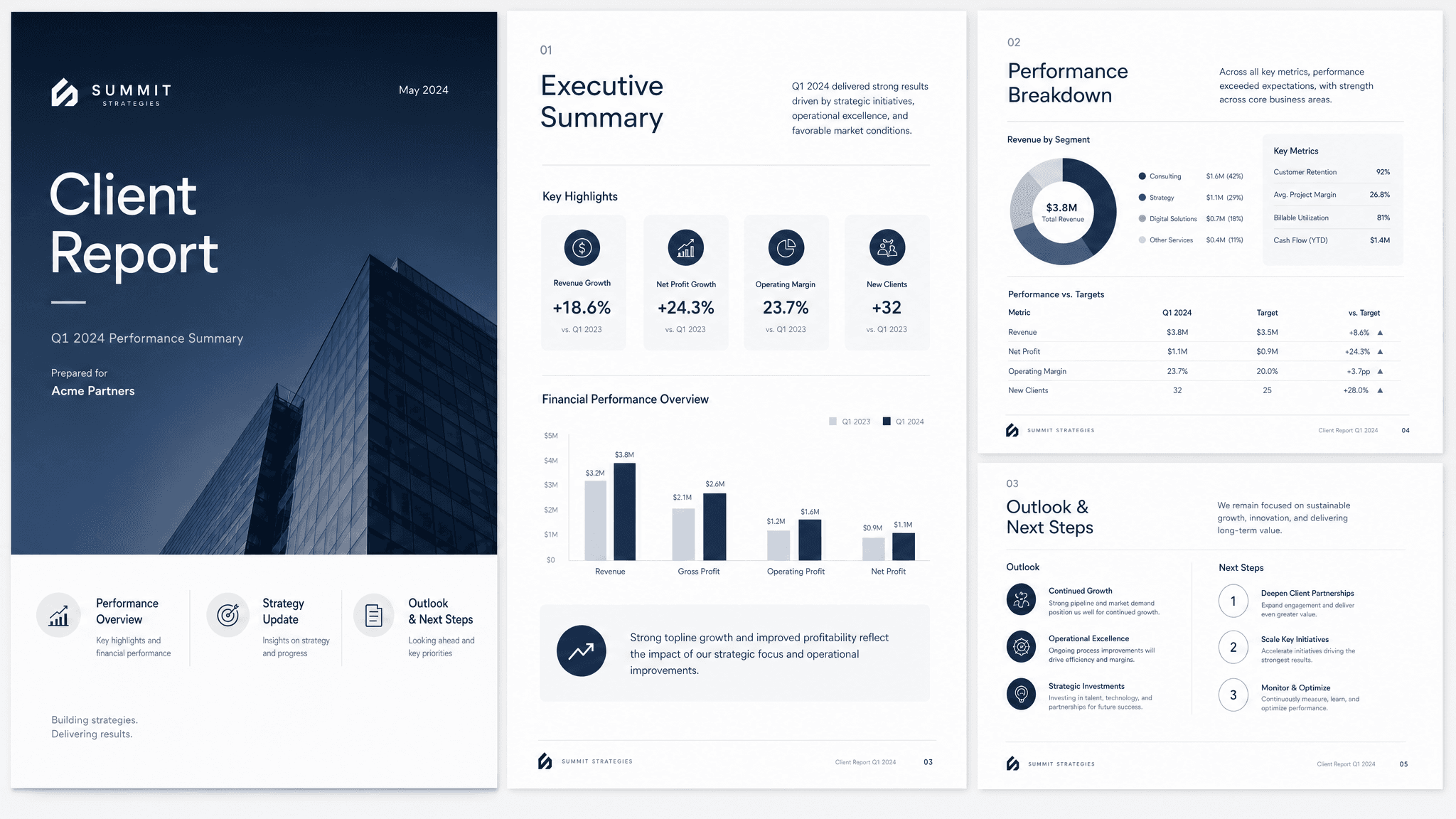
A good client report does one job: show progress, explain what changed, and make the next decisions obvious. The format matters, but the useful part is the thinking behind it. Readers need the context, the recommendation, the proof, and the next step without having to reverse engineer your intent.
Claude can turn project updates, metrics, completed work, blockers, screenshots, risks, and next steps into a clear first version. Send turns that version into a live page you can share, track, and revise as the conversation changes.
What to include in the client report
- The reporting period and project goal.
- Progress since the last update.
- Results, metrics, deliverables, or examples of work.
- Risks, blockers, decisions needed, and owner for each.
- Next steps and what the client should expect next.
Prompt to use in Claude
Search the registry for the Send connector. Once connected, use their "send/client-report" skill.
How to create it with Send
Give Claude project updates, metrics, completed work, blockers, screenshots, risks, and next steps, plus any constraints, examples, or audience notes that matter. Ask it to create the client report with the Send connector so the output becomes a page instead of another loose document.
After you share it, Send helps you see whether clients open it, come back to it, or share it internally. You can update the same link when details change.
Client report structure
Summary
What changed during the reporting period.
Progress and results
Completed work, metrics, examples, and outcomes.
Risks
Blockers, decisions needed, and anything off track.
Next steps
The plan, owners, dates, and client actions.
Why send a client report as a page
Client reports need to be clear when they are read later or forwarded upward. Send gives the client one link for the current report and helps you see whether stakeholders are reading it.