Performance report template
Connect the numbers to decisions, so the report feels useful instead of decorative.

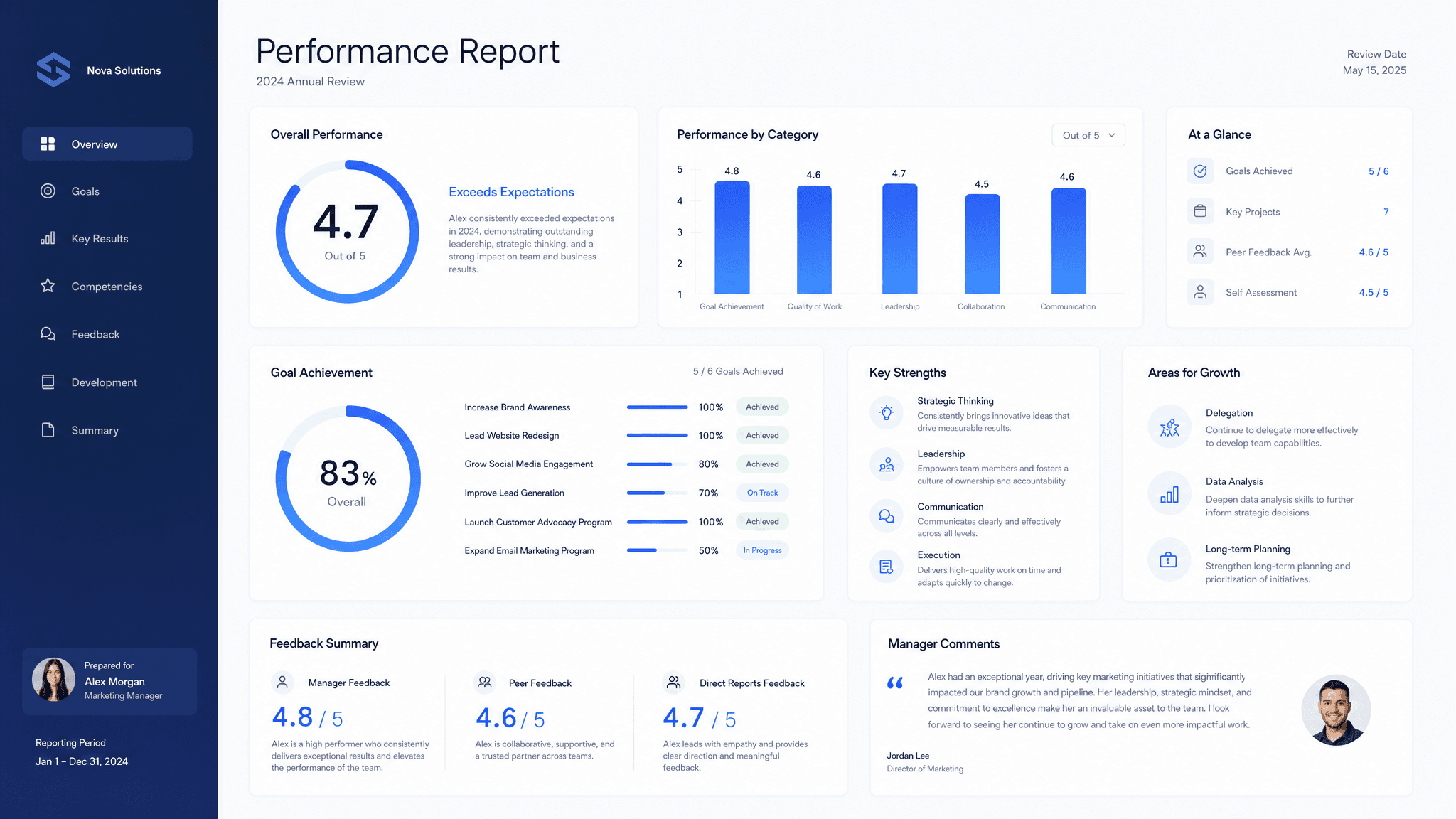
A good performance report does one job: connect metrics to decisions instead of listing numbers without context. The format matters, but the useful part is the thinking behind it. Readers need the context, the recommendation, the proof, and the next step without having to reverse engineer your intent.
Claude can turn performance data, channel notes, spend, targets, experiments, wins, misses, and recommendations into a clear first version. Send turns that version into a live page you can share, track, and revise as the conversation changes.
What to include in the performance report
- The reporting period, goals, and channels covered.
- Topline metrics and what changed.
- Drivers behind the results.
- Experiments, learnings, and issues to fix.
- Recommendations, owners, and next reporting date.
Prompt to use in Claude
Search the registry for the Send connector. Once connected, use their "send/performance-report" skill.
How to create it with Send
Give Claude performance data, channel notes, spend, targets, experiments, wins, misses, and recommendations, plus any constraints, examples, or audience notes that matter. Ask it to create the performance report with the Send connector so the output becomes a page instead of another loose document.
After you share it, Send helps you see whether clients and growth teams open it, come back to it, or share it internally. You can update the same link when details change.
Performance report structure
Overview
Period, goals, channels, and topline result.
Metric changes
What moved, by how much, and why it matters.
Learnings
Experiments, drivers, blockers, and surprises.
Actions
Recommendations, owners, dates, and next report.
Why send a performance report as a page
Performance reports get ignored when they feel like dashboards pasted into a doc. Send gives you a readable page with the interpretation attached to the numbers.