Lead magnet template
Package genuinely useful advice behind a page that can capture and qualify demand.

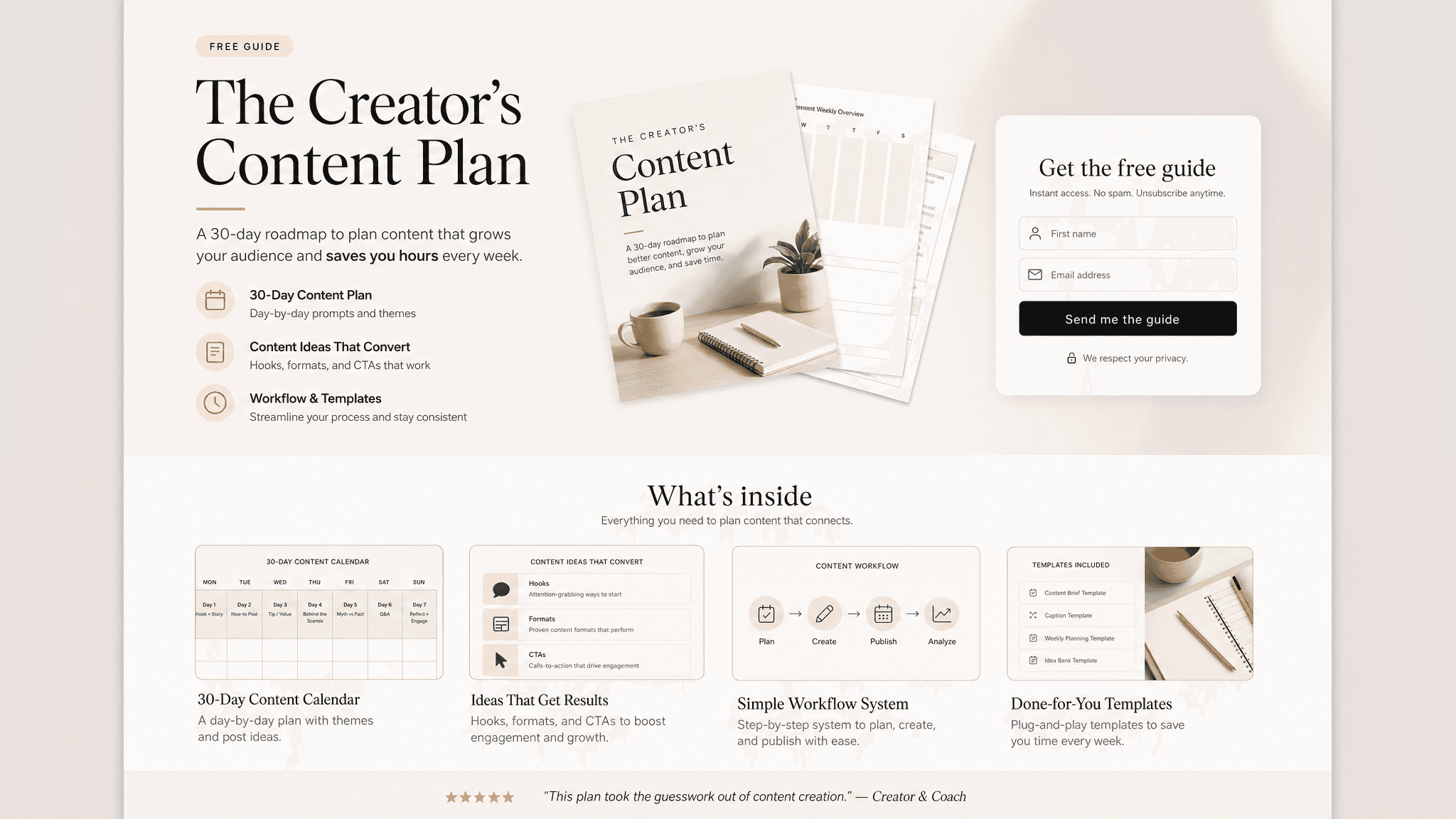
A good lead magnet does one job: give people a useful resource worth exchanging contact information for. The format matters, but the useful part is the thinking behind it. Readers need the context, the recommendation, the proof, and the next step without having to reverse engineer your intent.
Claude can turn audience pain points, expertise, examples, checklist items, templates, and follow-up offer into a clear first version. Send turns that version into a live page you can share, track, and revise as the conversation changes.
What to include in the lead magnet
- The audience and problem the resource solves.
- A useful checklist, guide, template, worksheet, or examples.
- Clear promise and who the resource is not for.
- Lead capture fields and consent language if needed.
- Follow-up offer, CTA, and next step.
Prompt to use in Claude
Search the registry for the Send connector. Once connected, use their "send/lead-magnet" skill.
How to create it with Send
Give Claude audience pain points, expertise, examples, checklist items, templates, and follow-up offer, plus any constraints, examples, or audience notes that matter. Ask it to create the lead magnet with the Send connector so the output becomes a page instead of another loose document.
After you share it, Send helps you see whether potential customers or subscribers open it, come back to it, or share it internally. You can update the same link when details change.
Lead magnet structure
Promise
Who it helps and what they will be able to do.
Resource
Checklist, template, guide, examples, or worksheet.
Capture
Fields, consent, delivery, and expectations.
Follow-up
CTA, offer, email path, and next step.
Why send a lead magnet as a page
A lead magnet only works if the resource is genuinely useful. Send helps you gate the page, share it cleanly, and see whether people engage after they open it.