Audit report template
Show what is broken, why it matters, and which fixes should happen first.

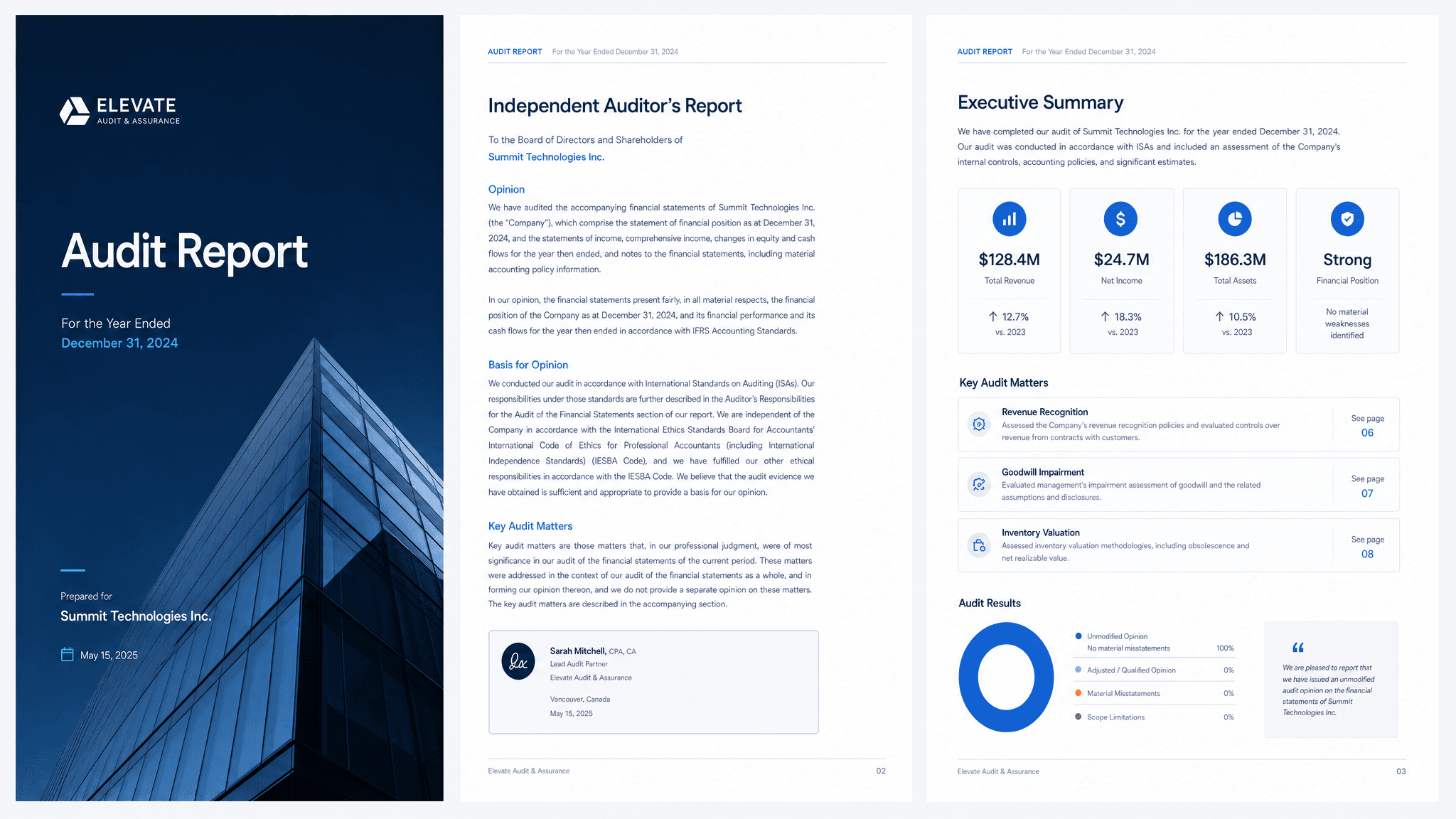
A good audit report does one job: turn findings into decisions instead of dumping observations into a long document. The format matters, but the useful part is the thinking behind it. Readers need the context, the recommendation, the proof, and the next step without having to reverse engineer your intent.
Claude can turn audit notes, screenshots, benchmarks, severity ratings, examples, and recommended fixes into a clear first version. Send turns that version into a live page you can share, track, and revise as the conversation changes.
What to include in the audit report
- The audit scope and how you evaluated the work.
- Findings grouped by severity or business impact.
- Specific examples, screenshots, or evidence.
- Recommended fixes with effort and priority.
- Open questions, owner, and next steps.
Prompt to use in Claude
Search the registry for the Send connector. Once connected, use their "send/audit-report" skill.
How to create it with Send
Give Claude audit notes, screenshots, benchmarks, severity ratings, examples, and recommended fixes, plus any constraints, examples, or audience notes that matter. Ask it to create the audit report with the Send connector so the output becomes a page instead of another loose document.
After you share it, Send helps you see whether clients open it, come back to it, or share it internally. You can update the same link when details change.
Audit report structure
Scope
What was reviewed, what was not, and how findings were judged.
Findings
The main issues, grouped by impact and urgency.
Recommendations
What to fix, why it matters, and how much effort it may take.
Action plan
Owners, timing, open questions, and next steps.
Why send a audit report as a page
An audit report is only useful if the client knows what to do next. Send keeps findings, evidence, and priorities in one place and gives you a signal when the client comes back to review the recommendations.