Follow-up template
Turn a sales call into a clear follow-up page before the deal loses momentum.

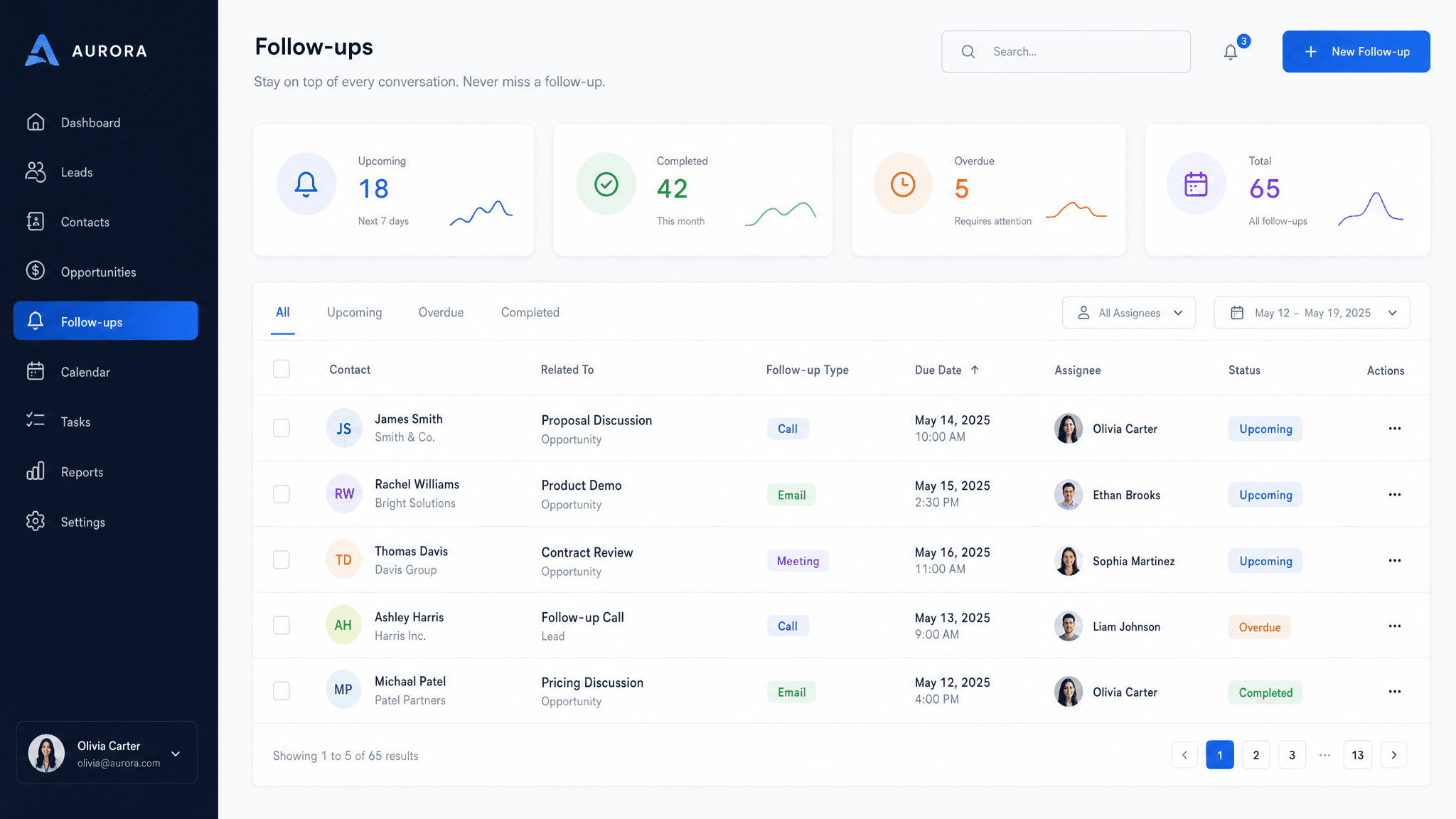
Most follow-up emails get buried because they try to carry too much: recap, links, attachments, answers, and scheduling. A follow-up page gives the buyer one clean place to review what happened and what comes next.
Claude can turn rough call notes into a useful recap. Send makes that recap shareable as a page, so you can see whether the buyer actually opens it and keep the next step visible.
What to include in the follow-up page
- A short recap of the meeting and why it happened.
- The buyer's goals, concerns, and evaluation criteria.
- Decisions made during the call.
- Resources promised during the conversation.
- Open questions and owners.
- Dates, next steps, and the next meeting link if relevant.
Prompt to use in Claude
Search the registry for the Send connector. Once connected, use their "send/follow-up-page" skill.
How to create it with Send
Paste your call notes, transcript, or messy bullets into Claude. Ask for a follow-up page using the Send connector, then add the resources and dates you want the buyer to have.
Send turns the follow-up into a live link. If a question gets answered later, Claude can update the same page instead of sending another loose email.
Follow-up page structure
Quick recap
What was discussed and what the buyer is trying to solve.
Decisions and resources
What was agreed, plus any links, files, or proof you promised.
Open questions
The questions that still need answers and who owns each one.
Next steps
The next action, owner, deadline, and meeting details.
Why send follow-up as a page
A follow-up page is easier to revisit than a long email thread. Send also shows you when the buyer opens it, which gives you a better signal than guessing whether the recap landed.