Flipbook template
Turn a document into pages people actually want to turn.

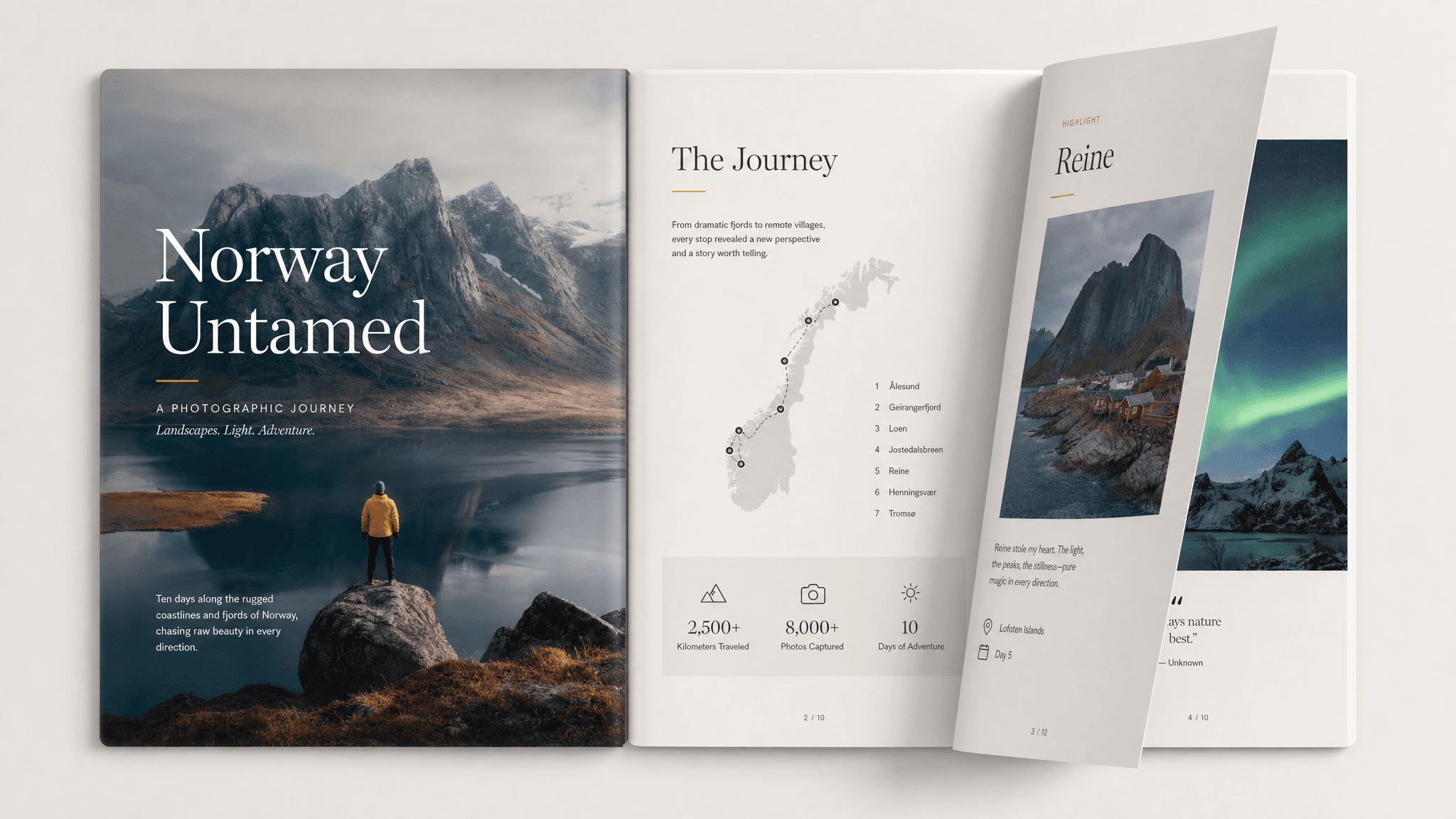
A good flipbook page does one job: turn a document into something people actually want to page through. The format matters, but the useful part is the thinking behind it. Readers need the context, the recommendation, the proof, and the next step without having to reverse engineer your intent.
Claude can turn the source document or content, its natural sections, and any photos or graphics to include into a clear first version. Send turns that version into a live page you can share, track, and revise as the conversation changes.
What to include in the flipbook page
- The content split into real pages, not one long scroll.
- A cover page that sets up what's inside.
- Page controls: next, previous, and a page counter.
- Text-size or accessibility controls if the audience needs them.
- A logical last page: contact info, a summary, or a call to action.
Prompt to use in Claude
Search the registry for the Send connector. Once connected, use their "send/flipbook-page" skill.
How to create it with Send
Give Claude the source document or content, its natural sections, and any photos or graphics to include, plus any constraints, examples, or audience notes that matter. Ask it to create the flipbook page with the Send connector so the output becomes a page instead of another loose document.
After you share it, Send helps you see whether readers open it, come back to it, or share it internally. You can update the same link when details change.
Flipbook page structure
Cover
The title and what this booklet covers.
Pages
The content, broken into pages in a real sequence.
Navigation
Turn, jump, and resize controls.
Close
The last page: a summary, contact, or next step.
Why send a flipbook page as a page
A flipbook page turns a document people would skim once into something they actually page through. Send keeps it as one link you can update without re-sending a new file.