Pricing template
Turn pricing, terms, and assumptions into a clear page your buyer can forward.

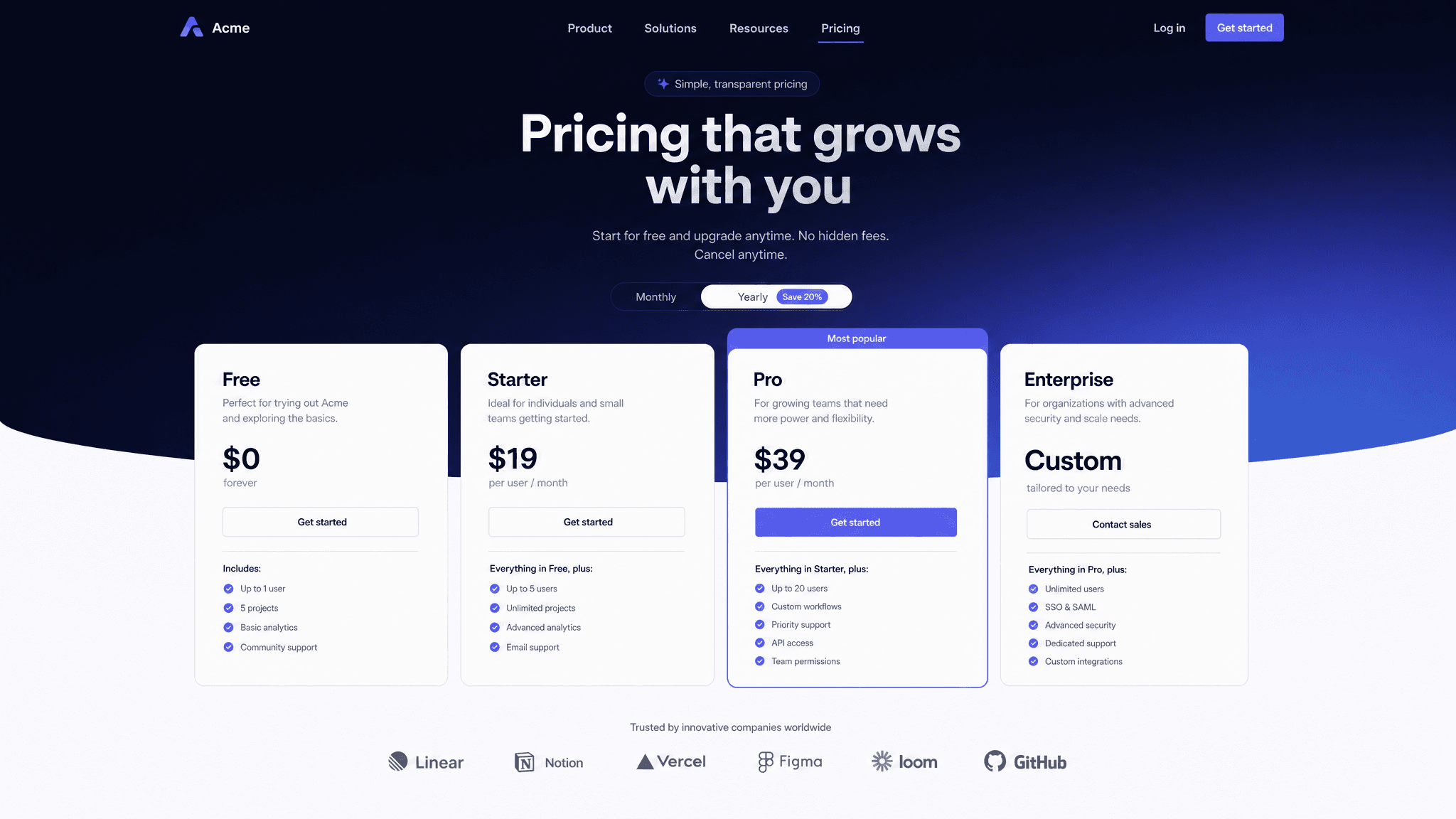
Pricing pages are risky when they lack context. A buyer sees a number, forwards it internally, and the reasoning gets lost. A buyer-specific pricing page explains what is included, what assumptions went into the price, and what needs to happen next.
Claude can turn your pricing sheet and deal notes into a clear explanation. Send gives you a link that can stay current if scope, dates, or terms change.
What to include in the pricing page
- The recommended plan or package.
- Price, billing terms, discounts, and expiration dates.
- What is included and what is not included.
- Assumptions behind the quote.
- Optional add-ons or expansion paths.
- Procurement, security, or legal notes if relevant.
- Next steps to approve or revise the quote.
Prompt to use in Claude
Search the registry for the Send connector. Once connected, use their "send/pricing-page" skill.
How to create it with Send
Give Claude your pricing table, proposal notes, and the buyer's requirements. Ask it to create a pricing page with Send that explains the recommendation and the assumptions behind it.
Send makes the pricing page easy to share internally. If you revise the price or scope, Claude can update the same page rather than sending a new attachment.
Pricing page structure
Recommendation
The package or plan you recommend and why it fits the buyer.
Pricing and terms
The price, billing model, discounts, dates, and payment terms.
Scope and assumptions
What is included, what is excluded, and what the quote depends on.
Approval path
The next step, owner, and what happens after approval.
Why send pricing as a page
Pricing often gets forwarded without the sales context. A Send page keeps the explanation attached to the number, and it lets you update the same link when the quote changes.