Best Ways to Share Claude Artifacts
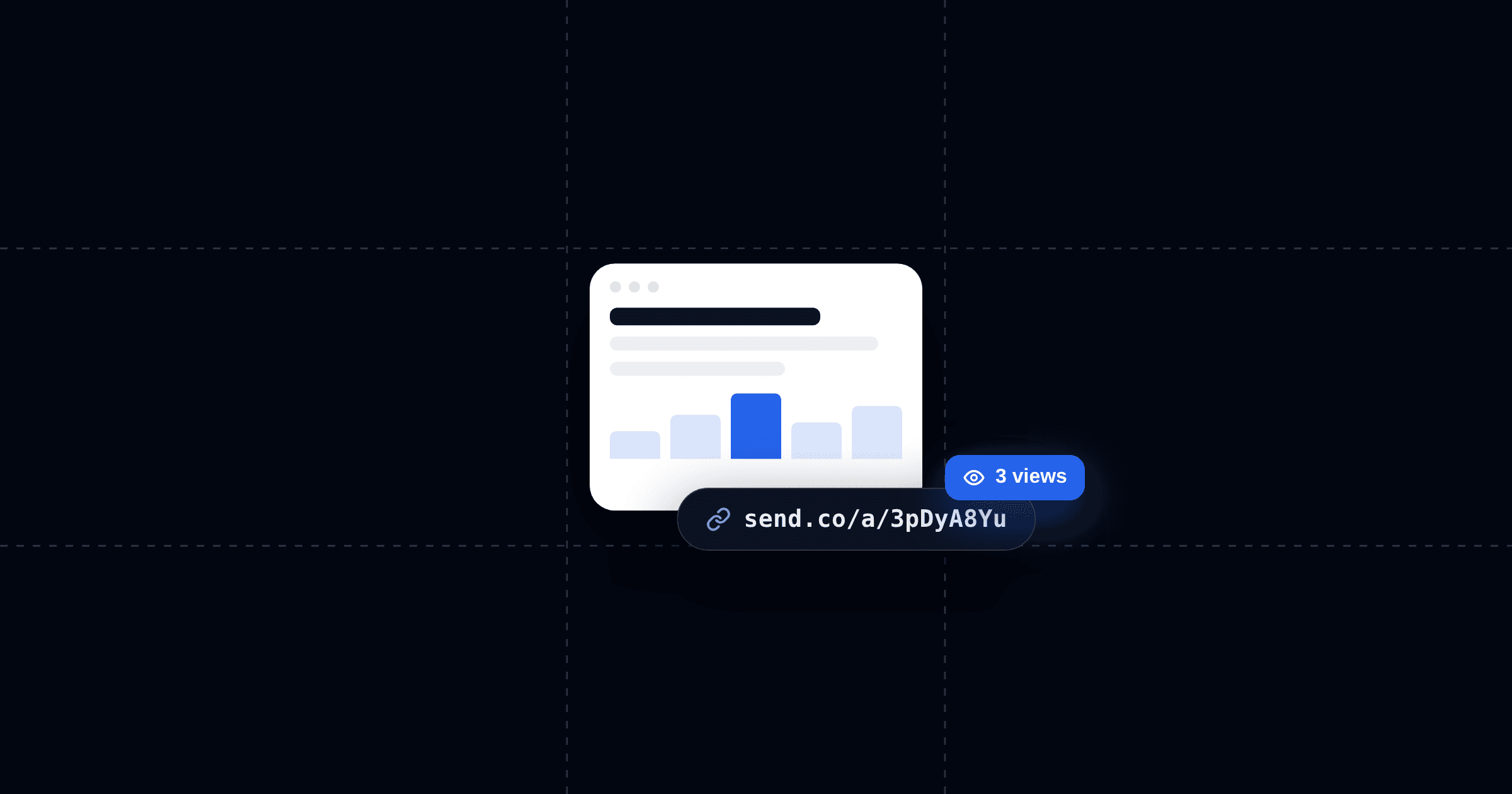
Artifacts are the default way Claude makes things. A working calculator, an interactive report, a landing page, a little game, real software, conjured in a chat. And the moment one turns out well, the same question always follows: how do I get this in front of someone?
There are five real answers, and they are not interchangeable. We compare all of them below.
The Three Questions That Decide It
Every sharing method is really an answer to three questions:
- Who can open it? Anyone with the link, or only people with the right account?
- Does it stay current? When you improve the artifact, does the link people already have show the new version?
- Do you find out what happened? Did anyone open it? Who? Did they spend four minutes or four seconds?
Here's the scorecard. Each method in detail below.
| Method | Setup | Who can open it | Stays current | Reports back |
|---|---|---|---|---|
| Claude's Publish button | One click | Anyone with the link | No. no way to update in place | No |
| Send connector | One click, then Claude does it | Anyone with the link (gate it if you want) | Yes. same link, updated content | Yes. who, when, how long |
| Copy code + deploy | 10–15 minutes | Anyone with the URL | Only if you redeploy | Only if you wire up analytics |
| Screenshot or PDF | Seconds | Anyone | Frozen forever | No |
| Team workspace share | One click | Your org only | Yes. inside the org | No |
1. Claude's Publish Button
The built-in option. Open your artifact, click Publish, copy the public link. According to Anthropic's documentation, anyone with the link can view and interact with it without creating an account.
Three things the Publish button won't do, straight from the same documentation:
- It won't work at all on Team or Enterprise plans. Artifacts created on those plans can only be shared inside your organization. If your audience is a client, an investor, or anyone outside your company, the button you need isn't there.
- It won't tell you anything. No view counts, no notifications, nothing. You publish, you send, and from that moment the artifact's life is invisible to you.
- Unpublishing is permanent. Once you unpublish an artifact, you can never publish that same artifact again. There's no quiet way to take something down, fix it, and put it back at the same address.
Where it lands: the Publish button answers "where does it live?" and stops there. If you'll never wonder whether anyone opened it, it does the job. In our experience, you'll wonder.
2. The Send Connector: Have Claude Share It for You
This is the method where the artifact stops being a file you handle and becomes something Claude ships on your behalf. Connect Send to Claude once, and from then on the workflow is a sentence: "Send this as a page I can share." Claude hands back a live link.
We'd rather show you than tell you. We asked Claude to build a small page and share it through Send. And the page's whole job is to show you, live, what the sender of a Send link sees:
send.co/a/3pDyA8Yu — it knows the moment you arrive.
We can see a viewer opened it, when, and how long they stayed. If that artifact were a proposal and you were our prospect, we'd know it was time to follow up — today, not in next week's "just checking in" email.
What sharing through Send gets you beyond the link itself:
- Every open is logged — who, when, where, how long. You get notified the moment it happens.
- The link never goes stale. Ask Claude to revise the artifact and the same link serves the new version. No re-sending, no "ignore my last email," and no unpublish-and-lose-it-forever.
- You can gate it. Require an email to view and your artifact quietly becomes a lead magnet — or add a passcode for sensitive material.
- It can live on your domain. Your page, your brand, not a generic share URL.
- It works on every Claude plan. The connector doesn't care that Team and Enterprise can't publish publicly. That restriction simply stops applying to you.
If the artifact is going to a client, an investor, a candidate, or a lead, anyone whose reaction you'd genuinely like to know, this is the method to use. For the full walkthrough, see our guide to sending HTML from Claude.
3. Copy the Code and Deploy It Yourself
The developer's route. Copy the artifact's code, drop it in a repo or a folder, and put it on GitHub Pages, Netlify, or Vercel. You get a permanent URL, full control, version history if you use git, and zero dependence on anyone's platform.
You also get a deploy pipeline for a one-pager. Ten to fifteen minutes of setup the first time, a redeploy every time the artifact changes, and still no idea who opened it unless you wire up an analytics tool on top — at which point you've assembled, by hand, a worse version of method 2.
Where it lands: right for real projects with a real lifespan — a tool your team will keep using, a page that's becoming a product. Wrong for the much more common case where you just need this artifact in front of that person by this afternoon.
4. Screenshot or PDF
The lo-fi classic. Screenshot the artifact, or print it to PDF, and paste it wherever the conversation is happening.
Honestly: sometimes this is correct. A quick reaction in Slack doesn't need hosting. But know what you're giving up, the interactivity dies (your working calculator is now a photograph of a calculator), the version freezes the instant you capture it, and an attachment tells you even less than a published link does.
Where it lands: fine for "look at this." Wrong for anything the other person is supposed to use.
5. Team Workspace Sharing
On Claude Team and Enterprise plans, you can share an artifact with your organization: viewers authenticate with their org account and see it inside Claude.
For genuinely internal work, this is clean, access control comes from accounts your company already manages. But the same plan that gives you org sharing takes away public publishing entirely. The moment your audience includes one person outside the org, and decks, proposals, and reports usually exist precisely for those people, this method has no answer. The workaround is method 2.
Which One Should You Use?
- A toy, a joke, a one-off public demo → the Publish button. Quick, free, fine. (Unless you're on Team/Enterprise, then it's not available, use Send.)
- A proposal, pitch, report, or anything going to a client, investor, or lead → the Send connector. The follow-up is worth more than the artifact, and this is the only method that powers it.
- A project with a long life and a full time developer maintaining it → copy the code and deploy.
- A quick reaction in chat → screenshot.
- Internal-only, and don't need controls on re-use → Team workspace share.
One pattern worth noticing: the methods that are easiest to start with are the ones that tell you the least. The Publish button and the screenshot are one click and silent forever. Send is also one click, once and then every artifact you ever share reports back.
FAQ: Sharing Claude Artifacts
Can people open a shared Claude artifact without an account?
With the Publish button: yes, anyone with the link can view and interact without signing up. With a Send link: also yes: no account, no app, the link is the page. With Team/Enterprise sharing: no, viewers must sign in with an account in your organization.
Can Claude Team or Enterprise plans publish artifacts publicly?
No. Per Anthropic's documentation, artifacts on Team and Enterprise plans can only be shared within your organization. If you're on one of these plans and need to share outside your company, use the Send connector, it works regardless of plan.
Does my artifact link update when I edit the artifact?
With Send, yes: ask Claude to revise the document and the same link serves the new version, people who already have the link see the update. With the Publish button there's no reliable way to update in place, and unpublishing is one-way: Anthropic's docs state an unpublished artifact can never be published again. With a self-deploy, you redeploy. With a screenshot, never.
Can I see who viewed my Claude artifact?
Not with any of Claude's built-in options, no view counts, no notifications. This is exactly what Send adds: every open logged with who, when, and how long, plus a notification when it happens. If knowing matters, sales, fundraising, hiring, data rooms, it's the difference between following up on signal and following up on hope.
What's the fastest way to set this up?
Add Send from Claude's connector directory, approve it once, and ask Claude to send your artifact. The first tracked link takes about a minute, including the part where you watch someone open it.