Best Claude Connectors in 2026
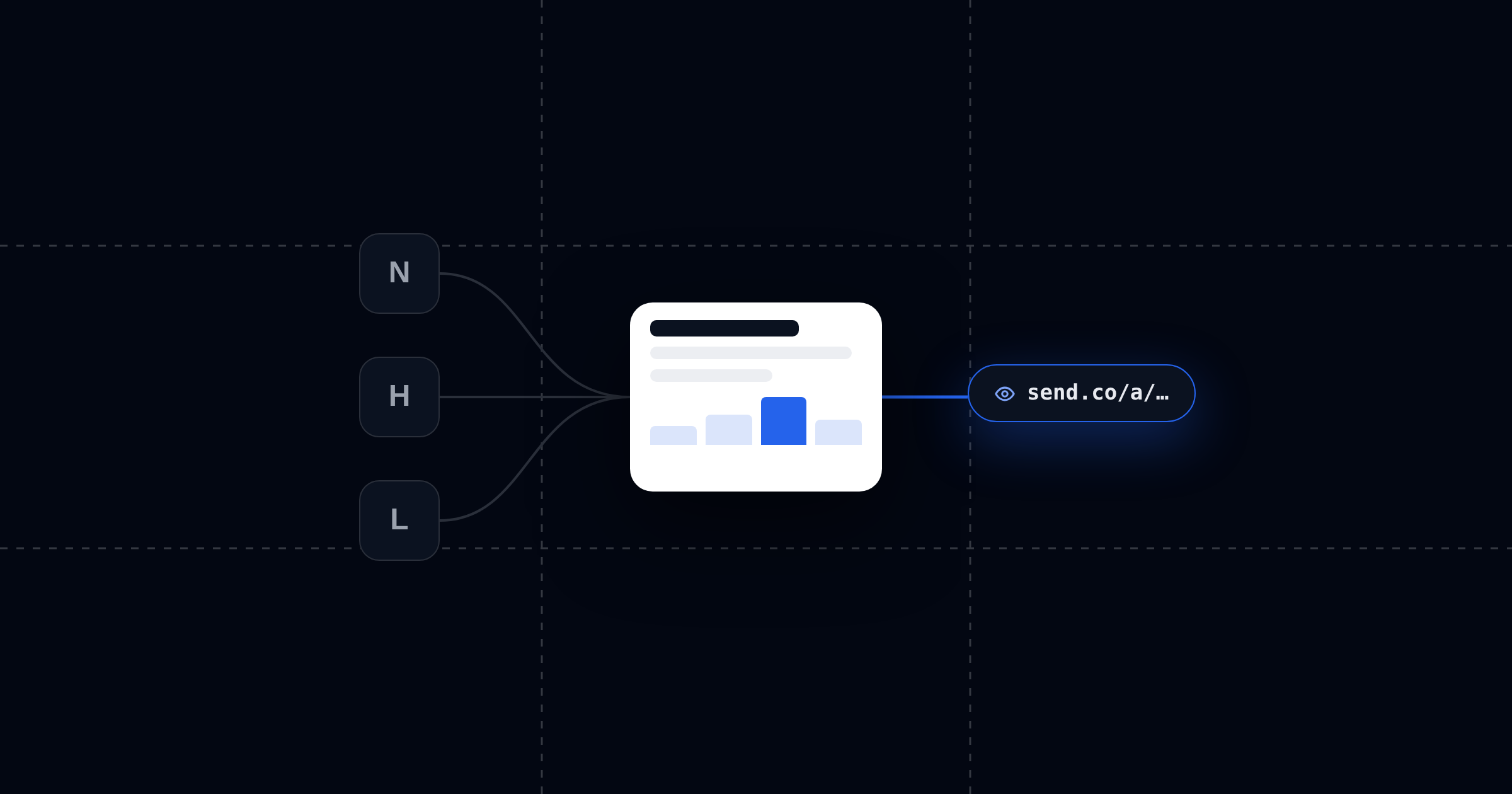
Anthropic's connector directory now lists more than 350 connectors. Most "best connectors" roundups respond to that by ranking ten famous logos.
Here's the test we use: a connector is only as good as what comes out the other side of the conversation. Claude with connectors is a pipeline. Something comes in (your docs, your CRM, your tickets), Claude makes something with it (a proposal, an update, a one-pager), and then, if the work is worth anything, it has to reach another human. Most lists obsess over the first stage and ignore the last one completely.
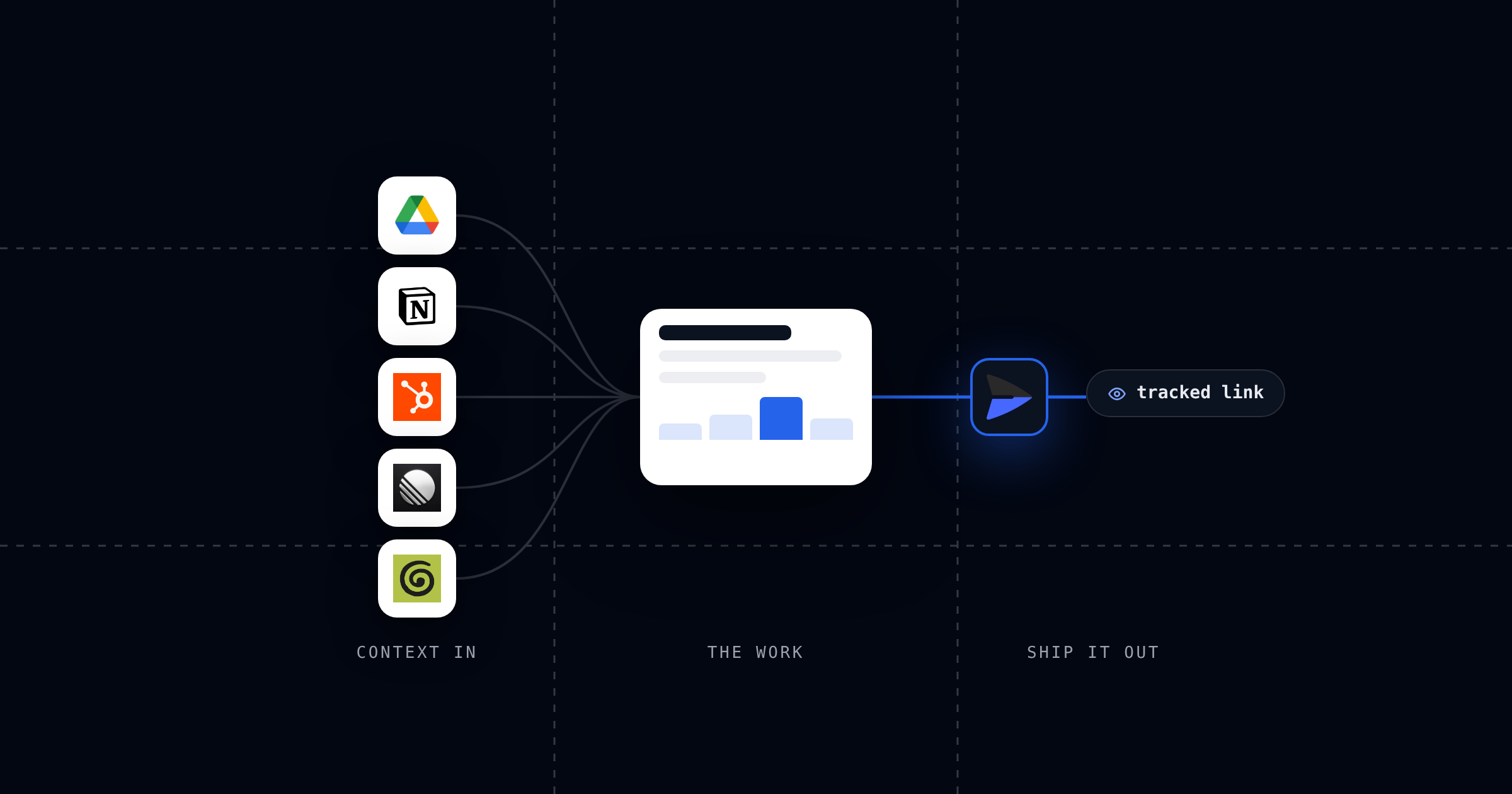
So this list is organized the way the work actually flows: connectors that bring context in, connectors that shape what you're making, and the output layer that gets it in front of someone.
Stage 1: Context In
These are the most-installed connectors in Anthropic's directory, and they earn it. Each one ends Claude's biggest limitation: not knowing what your work actually looks like.
Google Drive
The most popular connector in the directory, and the broadest. Claude can search and read your Docs, Sheets, and Slides, which means "draft a proposal using last quarter's pricing doc" works without you hunting for the file. If your company's knowledge lives in Drive, this is the first install.
Notion
Same job for Notion-based teams: your wiki, meeting notes, and project docs become context Claude can pull from. Especially strong for turning scattered notes into a single structured document.
HubSpot
The pick for anyone in sales or marketing. Claude can pull contacts, deals, and pipeline data, which turns "write a renewal proposal for Acme" from a generic template into a document that knows the deal history. Pairs with the output stage better than any other connector on this list, because what you make from CRM data is almost always meant for someone outside your company.
Linear
For product and engineering teams. Claude reads your issues, cycles, and project status, so weekly stakeholder updates stop being twenty minutes of tab-switching. The output is inherently shareable: status pages, release notes, roadmap summaries.
Granola
The meeting-notes connector. Claude can search what was actually said across your meetings, which makes "turn yesterday's kickoff call into a scope summary for the client" a one-sentence job.
Stage 2: Shape It
Canva
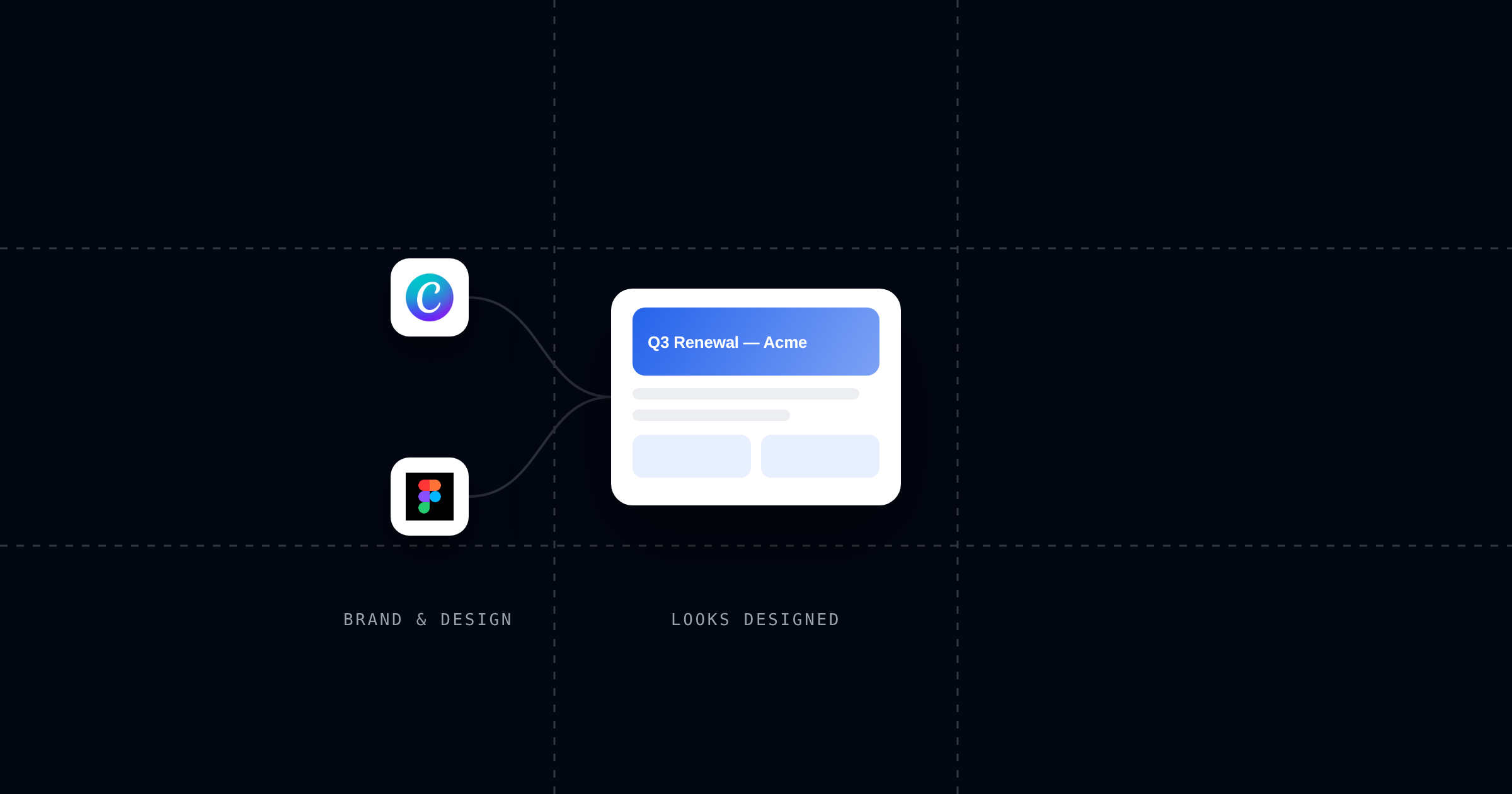
The second-most-installed connector overall. Claude can generate and edit designs, decks, and social posts in your brand kit. Use it when the thing you're making needs to look designed rather than written.
Figma
For teams whose source of truth is a design file. Claude can read designs and turn them into specs, code, or review summaries. The reverse direction matters too: design context flowing into documents you're drafting.
Stage 3: Ship It Out
Send
This is the stage every other list skips, and a pipeline without an output stage isn't a pipeline. Send is the output layer: add it from Claude's directory, then ask Claude to send what it just made, and you get back a hosted link — a real page, not an attachment. From there:
- You know what happened. Every open is logged (who, when, how long), and you're notified the moment it's read.
- The link stays current. Ask Claude to revise the document and the same link serves the new version.
- You can gate it. Email capture turns a shared page into a lead magnet; a passcode protects sensitive material.
- It works on any plan. Including Team and Enterprise, where Claude's built-in artifact publishing isn't available.
Without an output stage, every pipeline above ends the same way: copy, paste, attach, and silence. With it, the document reports back. We wrote up the full mechanics in how to send HTML from Claude.
Five Pipelines Worth Stealing
The picks above are ingredients. These are recipes — each one is a sentence or two in Claude once the connectors are installed.
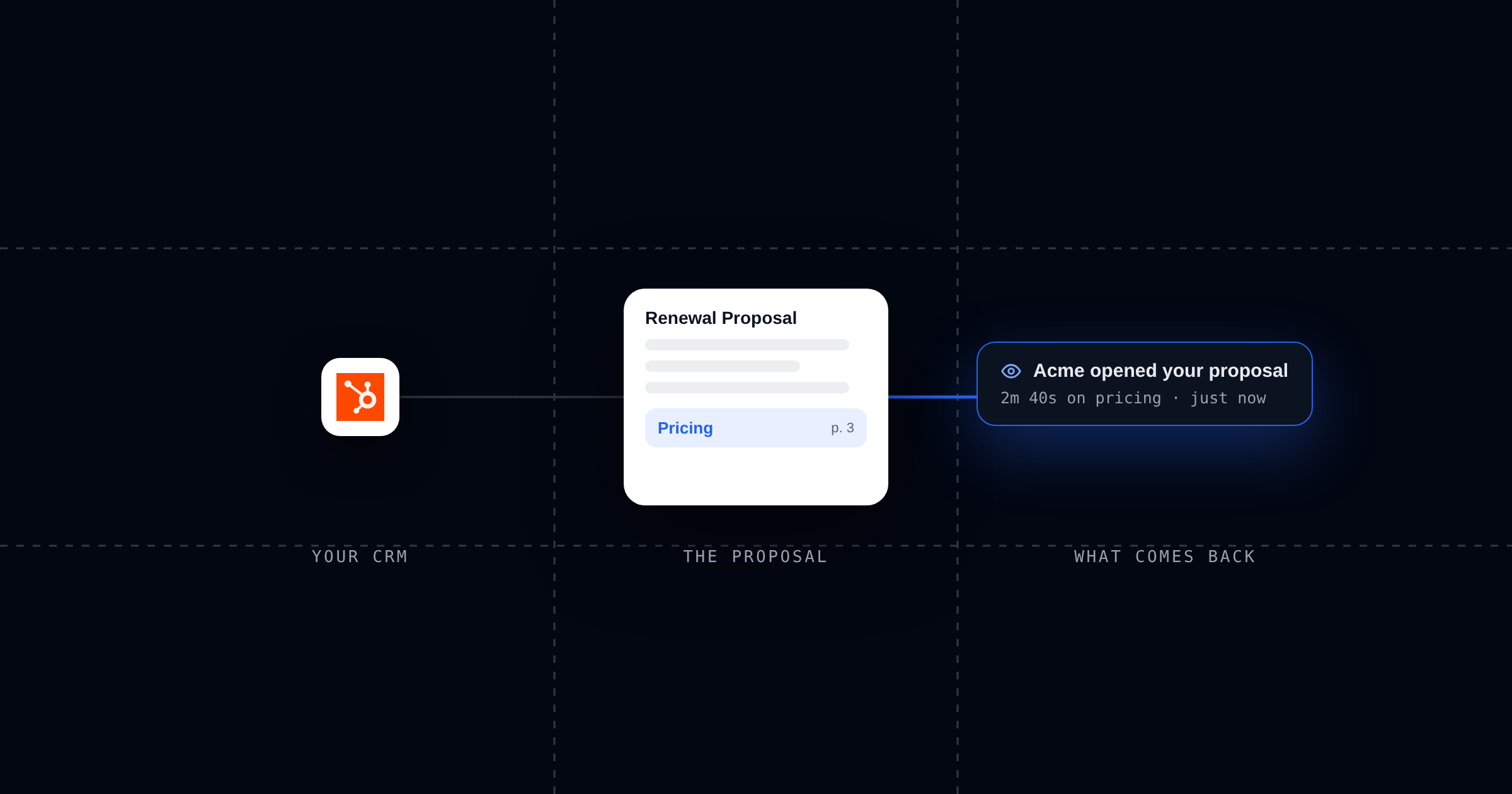
- HubSpot → Send: the proposal that reports back. "Pull the Acme deal and draft a renewal proposal as a page I can share." You get a tracked link, and you'll know the moment the buyer opens it — and whether they made it past pricing.
- Linear → Send: the stakeholder update. "Summarize this cycle's progress for the board and send it as a page." Five minutes weekly, and you can see which stakeholders actually read it.
- Google Drive → Send: the client data room. Point Claude at the relevant files and ask for an organized data room. Diligence, onboarding packets, renewals.
- Granola → Send: the same-day recap. Kickoff call at 10am, scoped summary in the client's inbox by 10:20, and you know when they've read it.
- Notion → Send: the one-pager. Scattered notes in, a single tight page out. The most common pipeline of all, because almost everything eventually becomes a one-pager.
How to Add a Connector to Claude
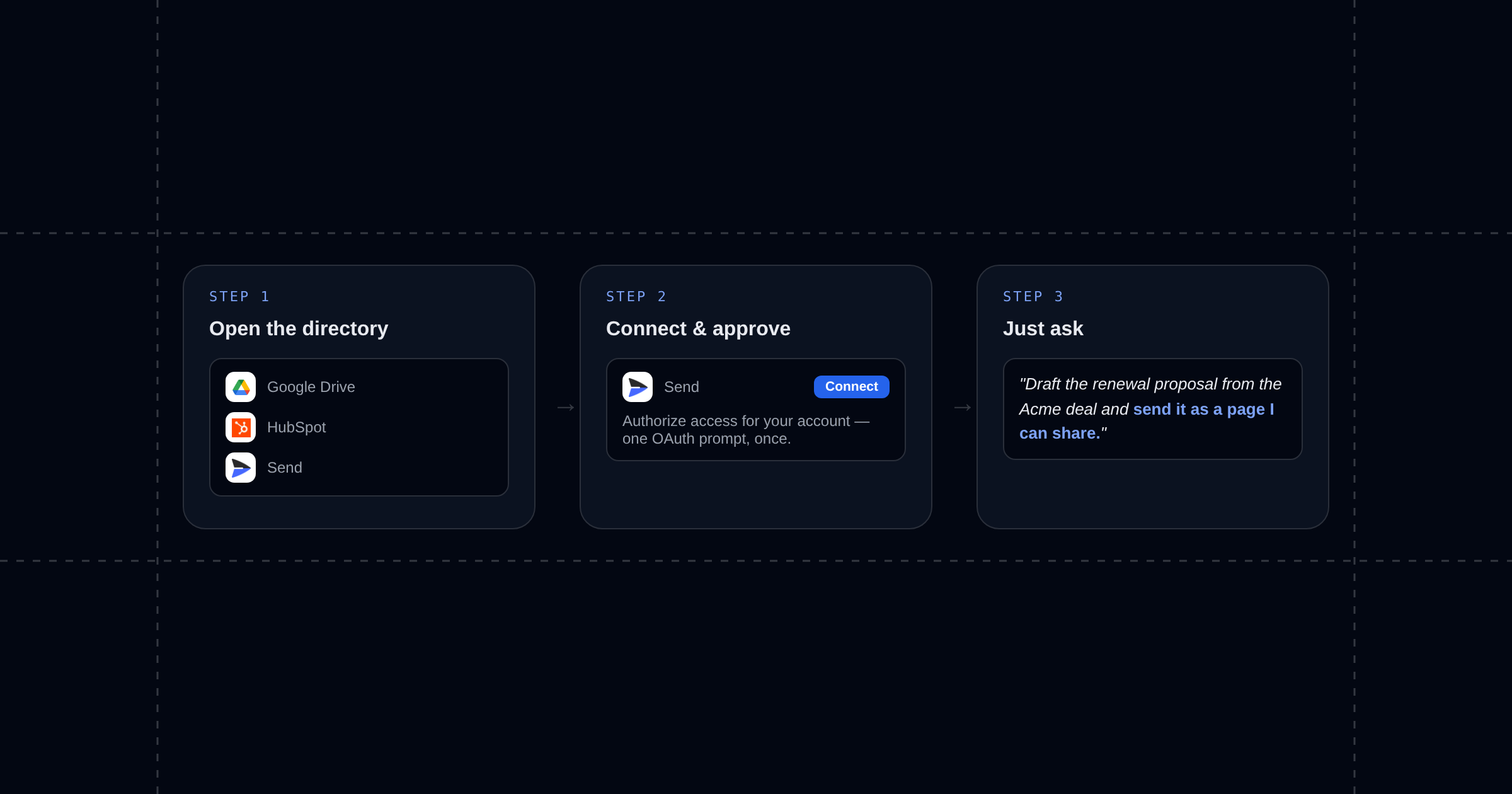
- In Claude (web or desktop), open Settings → Connectors, or browse the directory.
- Click Connect on the connector and approve the OAuth prompt. You're connecting your own account; Claude only sees what that account can see.
- Mention the tool in conversation. Claude picks the right connector from context — "check my calendar," "pull the Acme deal," "send this as a page."
Connectors are available on every paid Claude plan, and the popular ones above are free to install (the underlying product may have its own pricing).
FAQ: Claude Connectors
What are Claude connectors?
Connectors plug Claude into your tools using MCP, the open Model Context Protocol. Once connected, Claude can read from (and act on) the tool inside a normal conversation: search your Drive, query your CRM, publish a page.
What's the difference between connectors and MCP?
MCP is the protocol; connectors are the products built on it. The directory entries are MCP servers with a one-click install. If a tool you need isn't in the directory, Claude also supports adding custom MCP servers by URL.
Are Claude connectors free?
The directory is free to browse and most connectors are free to install. You need a paid Claude plan to use them, and each connector works with whatever account you connect.
Which connector lets Claude share its output?
That's the gap Send fills. Built-in artifact publishing covers casual public sharing (on Free, Pro, and Max plans), but it has no analytics, and Team/Enterprise plans can't publish publicly at all. The Send connector returns a tracked, updatable link on any plan. The full comparison is in best ways to share Claude artifacts.
How many connectors should I install?
Fewer than you think. Each active connector adds tools Claude has to reason about. The stack above is two or three inputs that match where your work lives, one design tool if you need it, and one output. Six is a lot.